Generated with Monsha
Spreadsheet Mastery: Basic Functions Worksheet
Smart Worksheet · Grade 12 · English
Spreadsheet Mastery: Basic Functions Worksheet
Part 1: Multiple Choice Questions
Choose the best answer for each question. These questions focus on the syntax and logic of core spreadsheet functions.
Activity 1
Which spreadsheet function should be used to find the total sum of numeric values in cells A1 through A10?
A.
\(=AVERAGE(A1:A10)\)
B. \(=SUM(A1,A10)\)
C. \(=COUNT(A1:A10)\) D.
\(=SUM(A1:A10)\) Answer: ____________________
Activity 2
If a range contains both numbers and text (e.g., "Pass", "Fail"), which function will count all non-blank cells in that range?
A.
\(=COUNT()\)
B. \(=COUNTA()\)
C. \(=SUM()\)
D. \(=MAX()\) Answer: ____________________
Activity 3
You need to count how many students scored more than 75 in a test where scores are in column B. Which is the correct syntax for the
COUNTIF function?A.
\(=COUNTIF(B:B, 75)\)
B. \(=COUNTIF(B:B, "\gt{}75")\)
C. \(=COUNTIF("\gt{}75", B:B)\)
D. \(=COUNTIF(B:B \gt{} 75)\) Answer: ____________________
Activity 4
What is the primary difference between the
COUNT and COUNTA functions?A.
COUNT ignores empty cells; COUNTA includes them.
B. COUNT counts numeric values; COUNTA counts any data (text or numbers).
C. COUNT counts text; COUNTA counts numbers only.
D. There is no difference; they are interchangeable.Answer: ____________________
Activity 5
Which formula correctly identifies the lowest value in the range C2 to C25?
A.
\(=MIN(C2:C25)\)
B. \(=MAX(C2:C25)\)
C. \(=LOW(C2:C25)\)
D. \(=SMALL(C2:C25, 1)\) (Wait, which is the standard basic function?)Answer: ____________________
Activity 6
When using
COUNTIF to count cells that match a value stored in cell D1 (e.g., values greater than the value in D1), which syntax is correct?A.
\(=COUNTIF(A:A, "\gt{}D1")\)
B. \(=COUNTIF(A:A, \gt{}D1)\)
C. \(=COUNTIF(A:A, "\gt{}"&D1)\)
D. \(=COUNTIF(A:A, "\gt{}&D1")\) Answer: ____________________
Activity 7
To find the mathematical mean of a set of scores, which function is used?
A.
\(=SUM() / COUNT()\) (Note: While true, what is the single function?)
B. \(=MEAN()\)
C. \(=AVERAGE()\)
D. \(=MEDIAN()\) Answer: ____________________
Activity 8
If a cell range contains a wild-card search like
"S*" in a COUNTIF function, what is it looking for?A. Cells that contain only the letter S.
B. Cells that start with the letter S.
C. Cells that end with the letter S.
D. Cells that contain a multiplication symbol.
Answer: ____________________
Part 2: Applied Spreadsheet Tasks
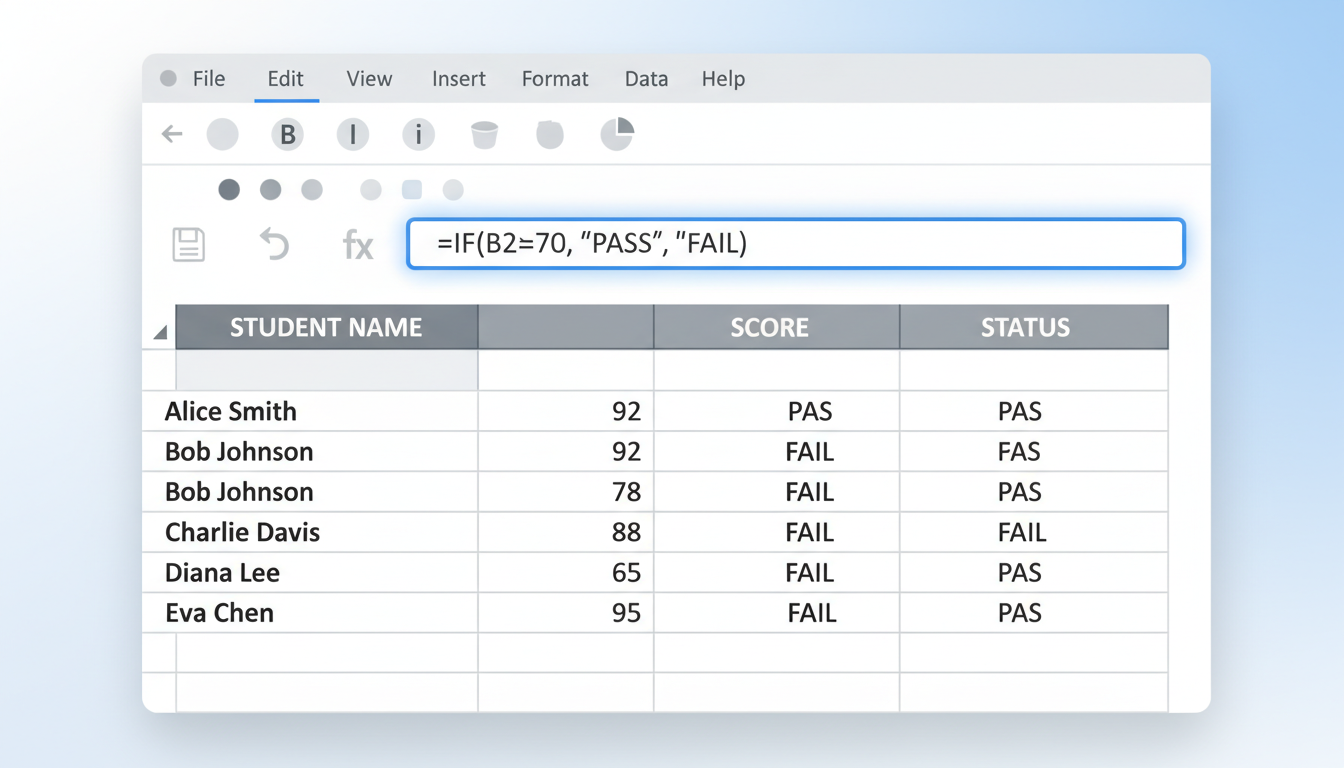
Refer to the Gradebook Data Table below to complete the following tasks. Write the exact formula you would type into a spreadsheet cell.
Gradebook Data Table (Range A1:D6)
| A: Student Name | B: Quiz 1 (out of 20) | C: Quiz 2 (out of 20) | D: Final Project |
|---|---|---|---|---|
1 | Name | Quiz 1 | Quiz 2 | Project |
2 | Ameer | 18 | 15 | 88 |
3 | Bella | 14 | Excused | 92 |
4 | Carlos | 19 | 17 | Missing |
5 | Diana | (blank) | 12 | 75 |
6 | Ewan | 15 | 16 | 80 |
Activity 9
Write a formula to calculate the Average score for Quiz 1 (Column B).
Formula: ______________________________________________________________________
Activity 10
Write a formula to find the Highest (Maximum) score achieved in the Final Project (Column D).
Formula: ______________________________________________________________________
Activity 11
Write a formula to count how many students actually received a numeric score for Quiz 2 (Column C), ignoring the text "Excused".
Formula: ______________________________________________________________________
Activity 12
Write a formula using
COUNTA to determine how many students have any entry (numeric or text) in the Final Project column (Column D).Formula: ______________________________________________________________________
Activity 13
Write a formula to find the Total Sum of all Quiz 1 scores.
Formula: ______________________________________________________________________
Activity 14
Using
COUNTIF , write a formula to count how many students scored exactly 15 in Quiz 2.Formula: ______________________________________________________________________
Activity 15
Using
COUNTIF , write a formula to count how many students scored less than 15 in Quiz 1.Formula: ______________________________________________________________________